TOC
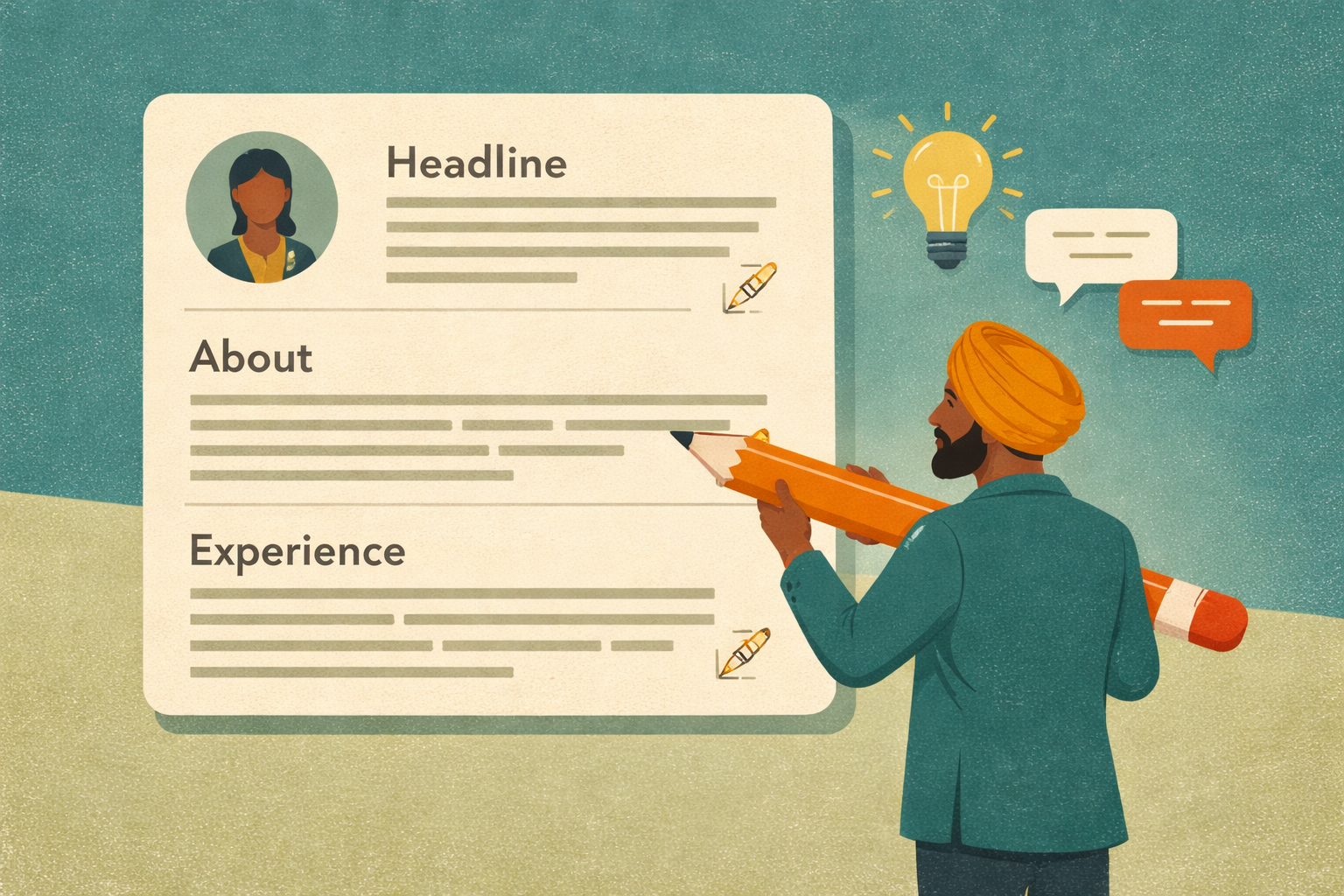
LinkedIn: Craft Your Headline, About & Experience
LinkedIn: Craft Your Headline, About & Experience
Part 2 of 4 in the LinkedIn Optimization Series
Series: Part 1: Get Found | [Part 2: Tell Your Story] | Part 3: Build Proof | Part 4: Stay Visible
In Part 1, we covered how recruiters search LinkedIn and why keywords matter. But showing up in search results is only half the battle. Once someone clicks on your profile, you have seconds to make an impression.
This is where storytelling comes in. Your LinkedIn profile isn't just a database entry—it's a narrative. It's the human side of your resume.
Unlike a resume, which is limited to bullet points and rigid formatting, LinkedIn gives you space to explain the why behind the what. It lets you connect the dots between your background and your career goals—especially valuable if you're a career changer or early in your career.
The 30-Second Test
Here's an exercise: If someone only saw your LinkedIn profile for 30 seconds, what three things would you want them to walk away knowing about you?
Write those three things down. They become the framework for your headline and summary.
This simple exercise cuts through the noise and forces you to prioritize what actually matters.
Profile Photo: Your First Impression
Your photo and headline are the first things anyone sees. Before they read a single word about your experience, they've already formed an impression.
Photo Guidelines
Do:
- Clear headshot with good lighting
- Professional but approachable expression
- Plain or slightly blurred background
- Tech-appropriate attire (casual but neat)
- Smile or friendly neutral expression
- Selfies or filtered photos
- Group shots (including pets)
- Low resolution or blurry images
- Heavy editing or artificial backgrounds
Free Resources for Better Photos
- Phone portrait mode - creates clean background blur
- Canva - for cropping and basic editing
- YouTube tutorials - photographers teaching lighting and angles
- AI photo platforms - upload 6-8 photos for a professional composite
- Tech events and job fairs - often have free headshot booths
Banner Image: Don't Leave It Blank
Your banner is the largest graphic on your profile. A blank banner signals an incomplete profile. Even a simple branded image shows intentionality.
Banner Ideas
- Tech-themed banners (GitHub, coding imagery)
- City skyline of where you live or want to work
- Code snippets or IDE screenshots
- Abstract tech or gradient backgrounds
- Personal branding or inspirational quote
- Canva templates (search "LinkedIn banner")
The Headline Formula
Your headline appears everywhere—search results, connection requests, comments, messages. It's often the only thing people see before deciding whether to click.
The Formula
Role/Identity + Skills & Tools + What You're Excited About
The components can be in any order. The goal is to balance:
- Keywords (for searchability)
- Personality (to stand out)
Strong Headline Examples
Full Stack Developer:
- "Full Stack Developer | React, Node.js, TypeScript | Building scalable user-centric web apps"
- "Full Stack Developer | React, Node.js, MongoDB | Eager to build, learn, and ship real products"
- "Full Stack Developer | Former Software Tester | Detail-oriented, adaptive, and driven to build"
- "Developer in Training | From testing to building great products | Collaborative, quick to pivot, always learning"
- "Full Stack Developer | React, Node.js | Turning ideas into scalable, user-first web apps"
- "Technical Business Analyst | Data and Integration Expert | Bridging tech strategy and emerging innovation"
What to Avoid
- "Aspiring developer looking for opportunities" (too vague, "looking for opportunities" is assumed)
- "Recent boot camp grad" (not ideal for headline)
- Generic titles without specifics
- Filler phrases that don't add value
The About Section: Your Voice
The About section is one of the few narrative parts of LinkedIn. It's not a summary of your resume—it's a snapshot of who you are, why you made the leap into tech, what drives you, and where you're headed.
The 5-Part Structure
- Clear, confident opening line - Who you are + what you do + what you're working toward
- A sense of who you are professionally - Your background and how it connects to your current path
- What you're working on now - Current projects, skills you're developing, what excites you
- Your personality and values - A line about how you think, what drives you, why tech excites you
- Call to action (optional) - Open to networking, collaboration, or opportunities
Example: Career Changer (Architecture to Tech)
> "I'm a front-end developer with a background in architecture and a growing passion for building responsive, accessible web experiences. I specialize in HTML, CSS, and JavaScript and recently completed a React-focused boot camp where I built a task manager app with real-time form validation. > > Before transitioning into tech, I managed cross-disciplinary design projects and collaborated with engineers, clients, and city agencies, which taught me how to communicate clearly and think in systems. > > I am currently diving deeper into TypeScript, accessibility best practices, and test-driven development. I love clean design, collaborative code, and solving the kind of problems that make life a little easier for users."
Example: Mid-Level Developer
> "I am a full stack developer with experience building internal tools and customer-facing platforms in startup environments. My background is in product design, so I bring a user-centered approach to everything I code. > > Whether I'm building APIs, shaping back-end architecture, or refactoring a messy UI, I've worked in small teams where adaptability and ownership matter. I'm especially comfortable collaborating with designers and project managers to turn ambiguous ideas into shipped features. > > Outside of work, I mentor early-career developers and occasionally write about web performance and component design."
Words to Avoid
Based on conversations with recruiters and talent leaders, avoid these terms:
- "Seasoned" - overused and vague
- "Junior" - in your summary (list it in Experience if it's your actual title)
- "Aspiring" - signals uncertainty
- Years of experience ("25+ years") - let your timeline speak for itself
Writing Tips
- Use plain, confident language - Write like a human, not a press release
- Avoid buzzwords - "Results-driven" and "team-oriented" are overused
- Highlight what you build or solve - Focus on outcomes, not just tasks
- Include a human touch - What drives you? Why does tech excite you?
Experience Section: Skills Over Duties
Here's a critical shift for 2025: Don't list duties in your experience section. List skills.
Duties are antiquated. Skills are what pull you into recruiter searches. LinkedIn's search engine picks from skills you've selected, not everything you've written.
The Shift
Old approach (duties):
> "Responsible for maintaining company database and generating reports."
New approach (skills):
> "PostgreSQL | Data Analysis | Report Automation | Built dashboards that reduced manual reporting time by 40%"
Where Duties Belong
- Resume - where bullet points and accomplishments live
- Interviews - where you elaborate on your responsibilities
- Cover letters - where you contextualize your experience
Showcasing Projects
Projects are proof that you've built real things with real teams—not just attended classes.
Project Framework
What it is + What tools you used + What you built + Impact/Result
Example With Metrics
> "Built a full-stack budgeting app using React, Node.js, and MongoDB that allowed users to track expenses. Designed UI for intuitive UX, deployed with Netlify. Reduced friction for new users by 25% in testing."
Example Without Metrics
> "Collaborated on a team to build a task manager in four days. Delivered 100% complete and usable product by strict deadline following SLICK methodology (Simple, Lovable, Complete)."
Only include metrics if you can speak to them in detail. If you can't quantify the impact, focus on: what you built, what tools you used, and that you delivered.
Education Section Format
Boot camps and certification programs aren't just training—they're proof of commitment and skill development.
What to Include
- Name of the program
- Technologies learned
- Notable projects
- Certifications earned
Example Format
TechJoy Academy
Full Stack Web Development Certificate Program
[Start Date] - [End Date]

Technologies: React, Next.js, Node.js, TypeScript, PostgreSQL, GitHub, CI/CD

Notable Projects:
• TaskFlow Pro - Built full-stack task manager using React, Node.js, MongoDB. Integrated real-time updates with Socket.io
• Low Code CRM Tool - Collaborated on client-facing CRM built with Glide Apps

Certifications: Certificate in Full Stack Web Development
Should You Include Non-Tech Jobs?
Yes. Your journey matters.
Previous jobs show transferable skills—project management, communication, client relations, problem-solving. They demonstrate that you've worked, have life experience, and can function in professional environments.
Post-COVID, varied career paths are much more accepted. Don't hide your history. Frame it as the foundation that led you here.
Key Takeaways
- The 30-second test - If someone saw your profile for 30 seconds, what 3 things should they know?
- Photos matter - Professional, clear, well-lit headshot with approachable expression
- Don't leave the banner blank - Even simple tech imagery shows intentionality
- Headline formula - Role + Skills + What excites you (balance keywords and personality)
- About section structure - Opening → Who you are → Current work → Values → CTA
- Avoid trigger words - "Seasoned," "junior," "aspiring," years of experience
- Skills over duties - Your experience section should showcase searchable skills
- Project framework - What + Tools + Built + Impact
- Include non-tech jobs - They show transferable skills and your journey
Your Action Items
- Take the 30-second test - write down 3 things you want people to know
- Check your photo against the guidelines - update if needed
- Add a banner image if yours is blank
- Rewrite your headline using the formula
- Restructure your About section using the 5-part framework
- Audit your Experience section - replace duties with skills
- Add at least one project with a strong description
This series is based on career coaching from Chelsea Scott, adapted for SpokeToWork.com.
Previous: Part 1: Get Found—How Recruiters Actually Search LinkedIn Next in the series: Part 3: Build Proof—Skills, Projects & Recommendations
Have questions? Check out our other guides or reach out through the contact page.
